Programming environment
The OBP40 uses the free development tool Visual Studio Code in conjunction with PlatformIO as its programming environment. This combination offers advantages over the Arduino IDE because the hardware and libraries used are linked in the correct versions for each project, so you don’t have to worry about these things. Additionally, Visual Studio Code has a powerful cross-reference list, making it easier to understand and follow the code. IntelliSense helps you use function calls and variables correctly. You can access the latest firmware code from within Visual Studio Code via GitHub, ensuring you’re always working with the most up-to-date version.
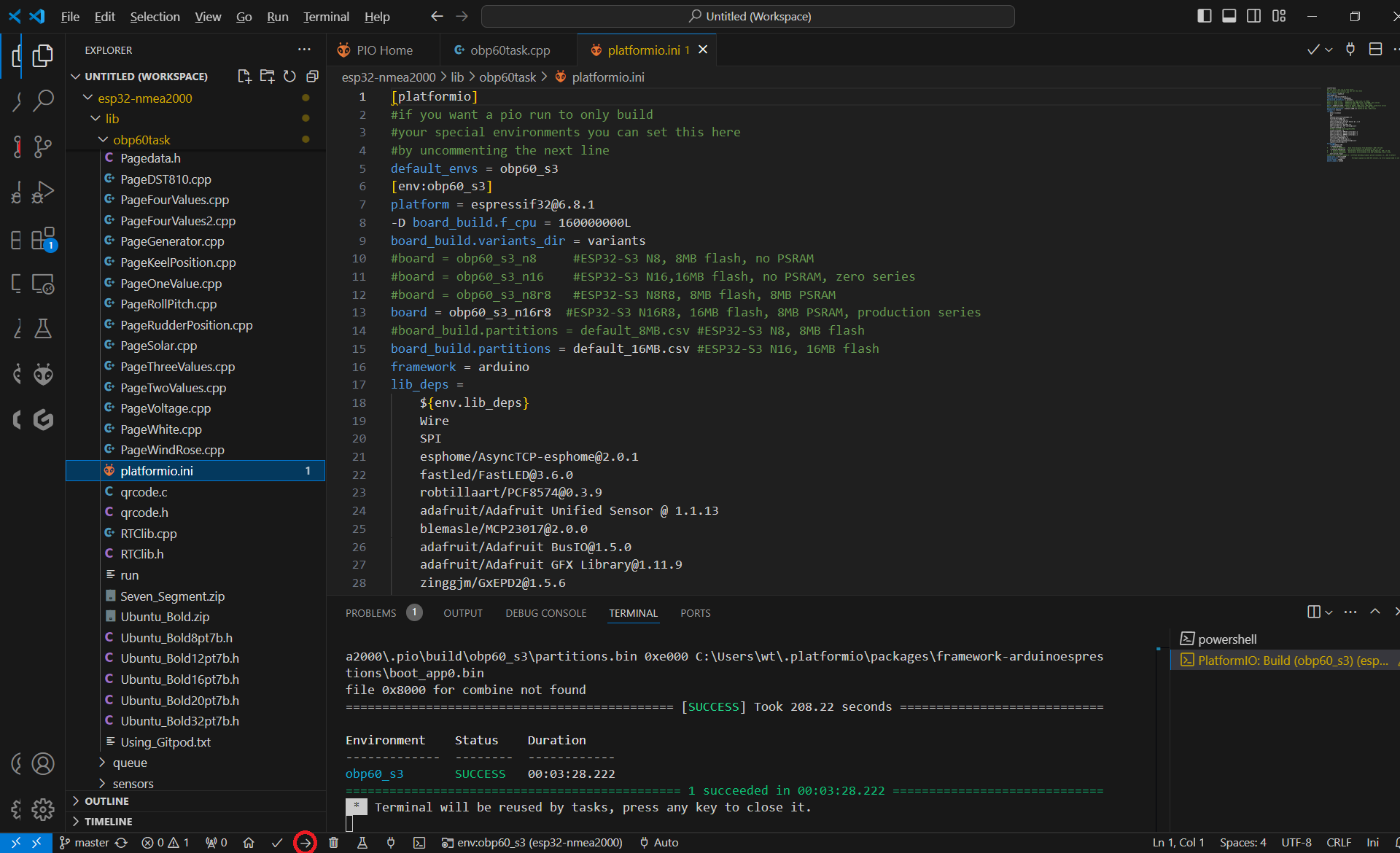
Abb.: Visual Studio Code
Visual Studio Code with PlatformIO is available for all major operating systems, such as:
Linux
Windows
Mac OS
Anyone interested in further developing the firmware code should use Visual Studio Code with PlatformIO in conjunction with GitHub. This allows a broad community to contribute to the development, extending and improving the firmware code. We manage bug reports and community requests via issues in GitHub’s tracking system. The sailing forum has a large community that contributes to the development and can answer support questions.
- Visual Studio Code
Necessary Extensions
PlatformIO
C/C++
How to install and use Visual Studio Code is described in the chapter Visual Studio Code / PlatformIO.
For those who want to easily make small code changes on the go without the hassle of installing Visual Studio Code and PlatformIO, Gitpod is a great option. Gitpod is entirely web-based. All you need is a modern web browser, and you can start programming immediately. The Gitpod workspace is modeled after Visual Studio Code and includes all the pre-installed components you need for software development. Therefore, Gitpod is ideal for beginners. Its use is described in the chapter Gitpod.